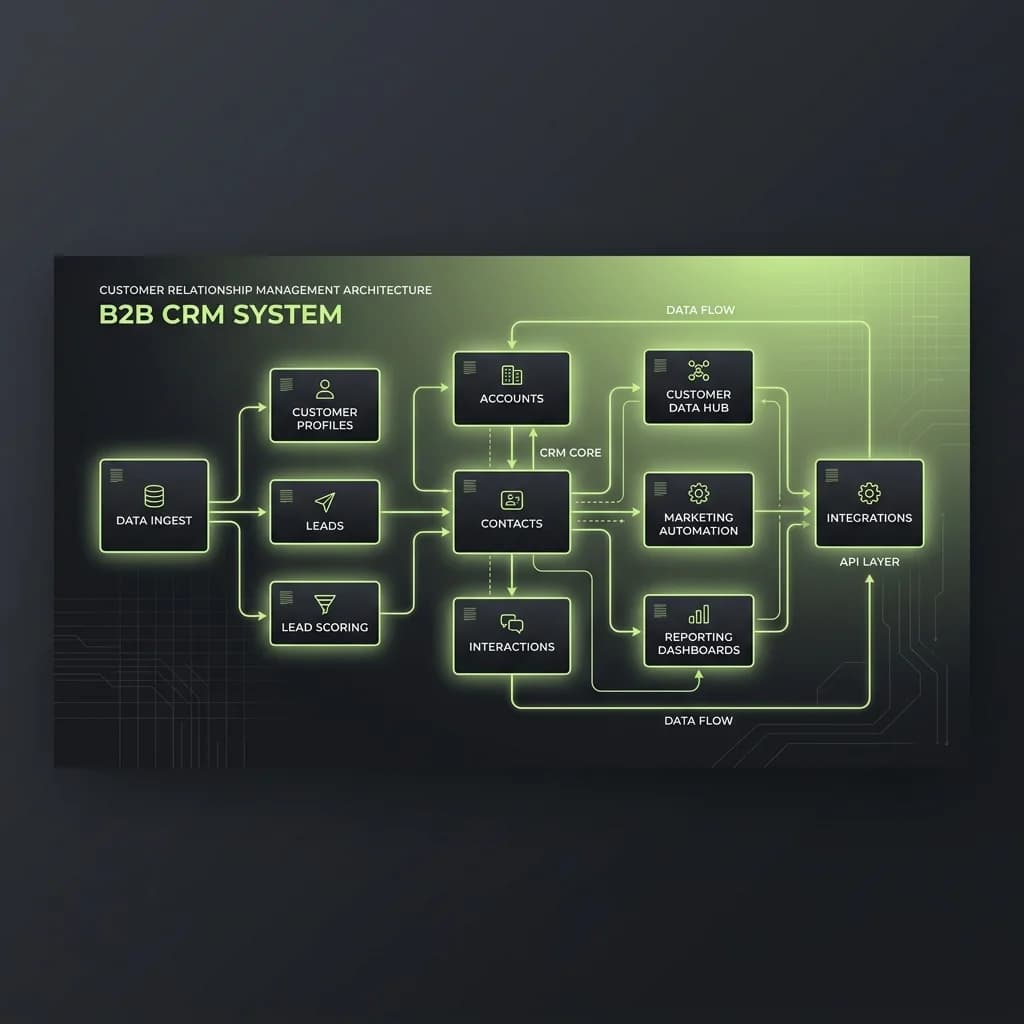
CRM in GoHighLevel: Advanced Contact and Pipeline Management

Your CRM is not an address book: it's your business engine
There's a widespread belief among agencies that have just adopted a CRM: that its primary function is storing names and phone numbers. With that mindset, any spreadsheet would do. But a well-configured CRM in GoHighLevel does something entirely different — it tells you exactly where each contact is on their path to becoming a client, and what action you should take right now with each of them.
That difference isn't semantic. It's the difference between a business that reacts and one that anticipates.
Contacts with context: beyond name and email
GoHighLevel lets you enrich each contact with a level of detail that goes far beyond basic fields. You can record the source of each lead, the messages they received, the calls they had, and the tags that classify them within your strategy.
Those tags are one of the most underestimated elements of the CRM. A well-placed tag lets you filter, segment, and trigger automations with surgical precision. Without tags, you have a list. With tags, you have an intelligent database.
Pipelines: where contacts become revenue
A pipeline is the visual representation of your sales process. Each column is a stage, each card is a contact, and movement from left to right represents progress toward closing.
The most common mistake when designing a pipeline is overloading it with stages. The result is a board that nobody updates because updating it is more work than selling. An effective pipeline has between five and seven clear stages, each with an objective entry criterion.
The opportunities view: your sales thermometer
GoHighLevel has a view that shows you, in real time, the total value of each pipeline stage. If you have $40,000 in sent proposals and your historical close rate is 30%, you know exactly what to expect. This visibility transforms team conversations from "how are we doing?" into conversations based on real data.
Conclusion: data that works while you don't
The combination of well-tagged contacts, relevant custom fields, and well-structured pipelines creates the perfect foundation for automations to operate at their full potential.
- This week: Audit the tags you currently have. Do they make sense? Is the team using them consistently?
- Next week: Review the stages of your main pipeline. Remove any that nobody updates and define clear criteria for each one.
Ready to scale?
Schedule a technical call to see how we can apply these strategies to your business.