GoHighLevel for Agencies: Complete Initial Setup Guide
Day one with GoHighLevel: how to stay on track
Opening GoHighLevel for the first time can feel like arriving in an unfamiliar city without a map. Menus are everywhere, options you don't recognize appear at every turn, and there's a persistent sense that you're about to click something you shouldn't. That's completely normal. The platform was designed to do the work of five separate tools, and that comes with an initial cost: the learning curve.
But here's the good news: once you understand the logic behind its structure, everything starts to make sense. GoHighLevel isn't complicated — it's dense. And there's an important difference between the two.
The architecture you need to understand before doing anything else
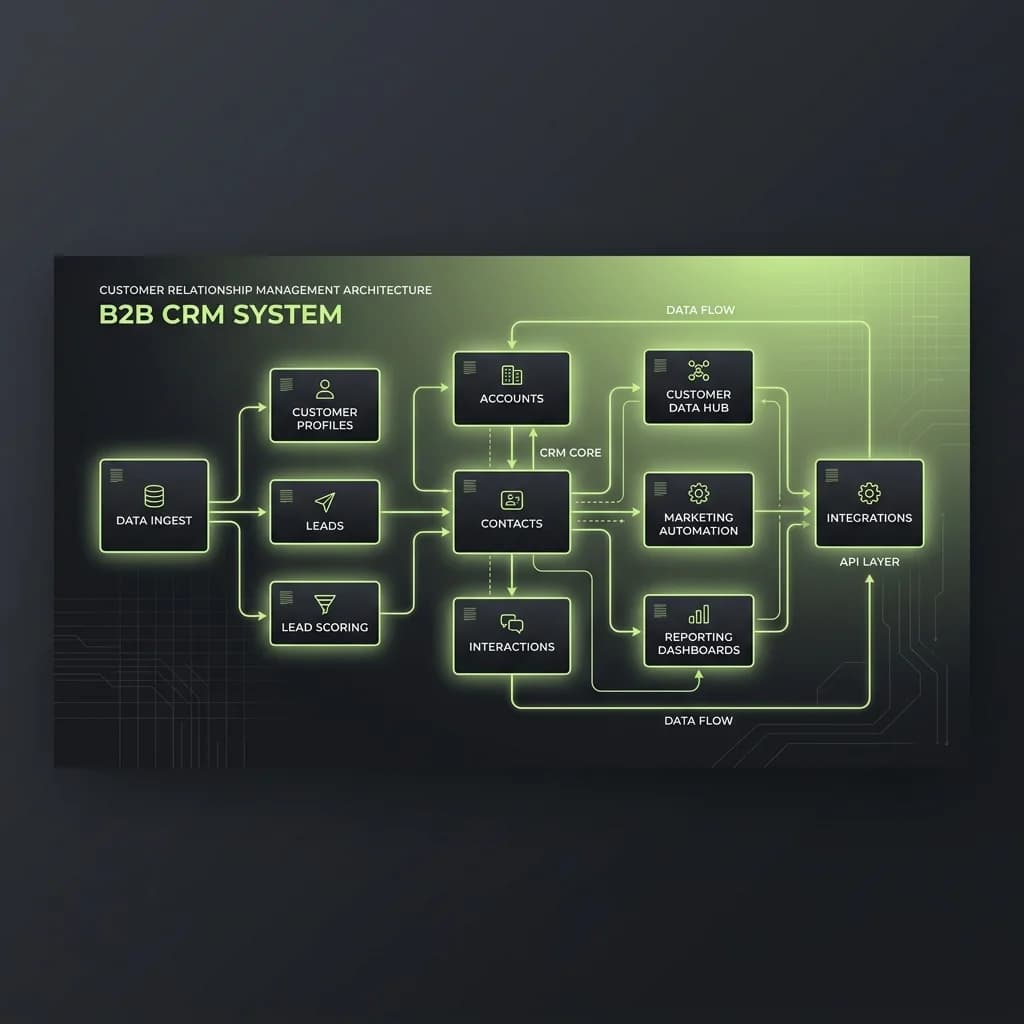
GoHighLevel operates on two levels: the agency and sub-accounts. Your agency is the master level where you manage everything. Sub-accounts are individual workspaces for each client or project. Before touching anything else, you need to have this clear.
When you configure your agency correctly from the start, everything you build afterward — automations, funnels, templates — can be replicated to any sub-account with a couple of clicks. That's the real power of the model.
Critical areas for day one
- Agency setup: name, logo, email domain, and billing configuration. These are your foundation.
- Connect your domain: GoHighLevel can operate with your own domain for landing pages, portals, and emails.
- Integrate email: The platform allows you to connect your own email providers. Your choice directly affects your sender reputation.
- Create your first sub-account: Even a test one lets you explore without fear of breaking your main configuration.
The most common mistake in the initial setup
Most agencies that arrive frustrated at GoHighLevel made the same mistake: they tried to configure everything at once. The result is a platform half-configured everywhere and functional nowhere.
The correct strategy is sequential. First the data, then lead capture, then automation, and finally communication channels. In that order, each piece supports the next.
Snapshots: the asset most agencies overlook
GoHighLevel has a feature called Snapshots that lets you save the complete configuration of one sub-account and apply it to new ones. If you invest time building a well-structured model sub-account, you'll have an asset that can be replicated in minutes every time you onboard a new client.
Conclusion: initial setup as an investment
Thinking of your first days with GoHighLevel as a time cost is the wrong frame. Every hour you invest in understanding the architecture saves you dozens of future hours.
- This week: Set up your agency properly and create a test sub-account. Explore every section without pressure.
- Next week: Build your first model sub-account and save it as a Snapshot to use with future clients.
Ready to scale?
Schedule a technical call to see how we can apply these strategies to your business.